
Your WordPress site works: why change it? It's the right question, and the answer isn't always yes. Today, we no longer start new projects on WordPress, and we're migrating existing sites, like Frédéric François's, now on Next.js and Medusa. Here's why, what it means for you, and how to tell whether this applies to your site.
The problem with WordPress is the pile-up.
Taken one by one, every WordPress flaw has a workaround. The site is slow? You add an add-on to speed it up. It has security holes? You run the updates. Google doesn't rank it well? You install an SEO add-on and set it up properly.
The mechanism is always the same. Every new need adds an add-on (a “plugin”), written by someone else, updated on its own schedule, with its own security holes. According to the annual reports of WordPress security specialists (Patchstack, Wordfence), the vast majority of security holes found each year come from these add-ons, not from WordPress itself. A few years in, the site is a stack of parts nobody fully understands anymore, and every update is a gamble: will the site still work tomorrow?
But it all adds up: speed, security, search rankings, upkeep, every new feature. Patch after patch, the whole thing becomes a house of cards. That realization is what got us out.
Does this apply to your site?
It deserves a closer look if at least one of these sounds familiar:
- You keep putting off updates, for fear of breaking something.
- The site is slow, especially on mobile.
- Every new idea needs one more add-on.
- The person who built the site is gone, and nobody really knows what holds it together anymore.
What Next.js actually changes.
Next.js is a modern tool for building custom websites. Instead of stacking add-ons, we build exactly what the site needs, nothing more. For you, that means:
- Speed: performance is built in from the start, instead of being bolted on later with an add-on. A fast site keeps its visitors, and Google likes it.
- Security: no add-ons written by strangers, so far fewer ways in for hackers, and far fewer emergency fixes.
- Search rankings: Google receives every page complete, without having to run code to read it. Titles, descriptions and the site map are planned from the start, not bolted on afterwards.
- Peace of mind: every change is recorded and can be undone. It's checked on a private copy of the site first, before it goes live.
- Independence: Next.js is built on React, one of the most widely used web technologies in the world. If you ever change providers, finding someone to take over the site isn't a headache.
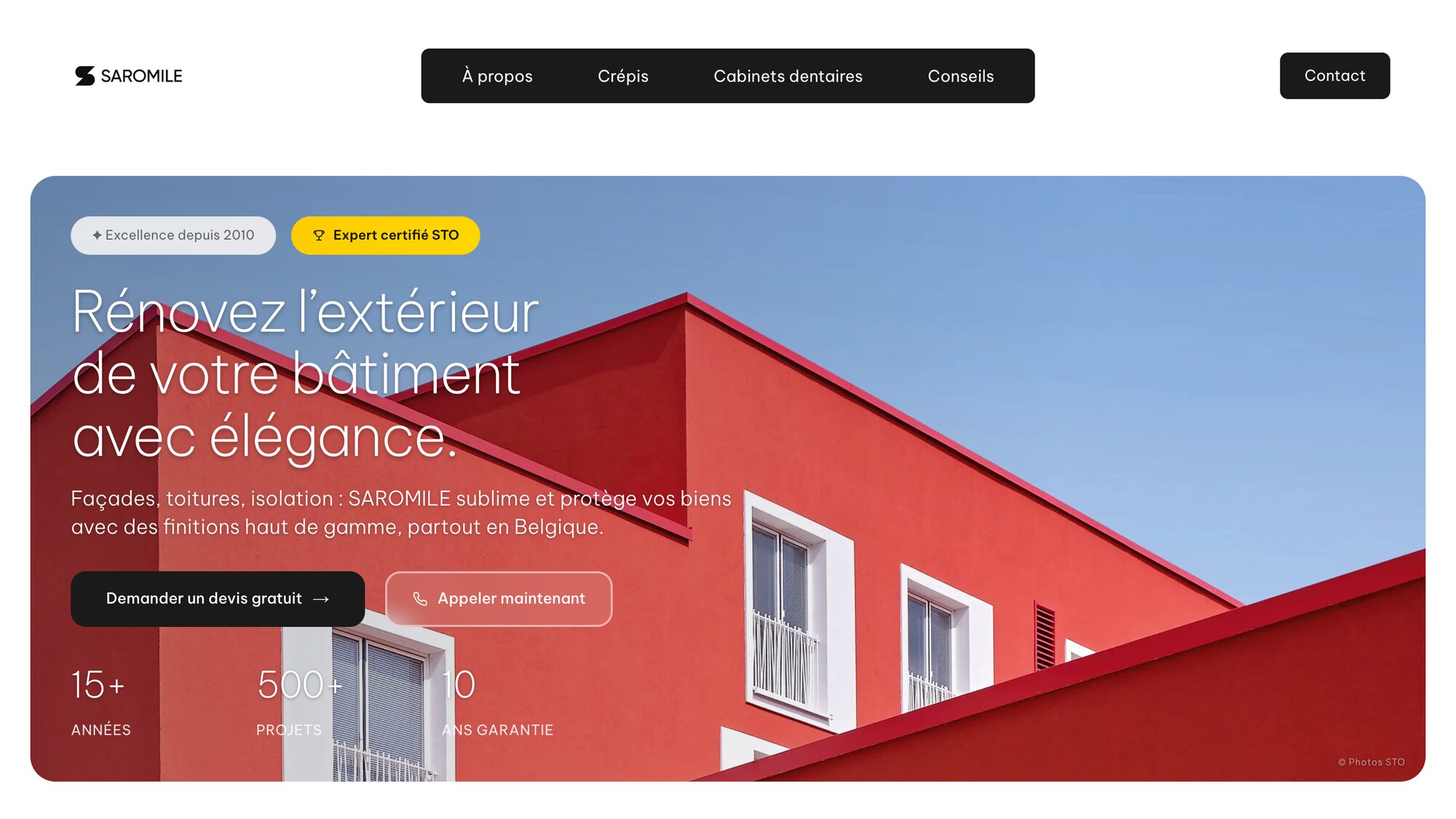
One example: Saromile, a façade specialist, had an aging website and was spending heavily on Google Ads, without the results it expected. We analyzed how its visitors moved through the site, then rebuilt it from top to bottom to make them want to request a quote. In three months, the share of visitors who take action went from 1.87% to 13.19%: a rate seven times higher, on the same ad budget.
What you lose by leaving WordPress.
Let's be honest: you lose things too. Many marketing teams know the WordPress interface by heart, and getting used to a new one takes a little time. Don't worry: you stay in control of your text and images, and we train your team before launch.
Another difference: on WordPress, you add a feature in one click from the dashboard. On Next.js, it goes through a developer. The building blocks exist (Mollie for payments, Mailchimp for newsletters…), but someone has to plug them in. The upside: every block is chosen deliberately, often maintained by the service itself, and checked before it goes live.
For a very simple site (a blog, a brochure site you update once a year), WordPress is still a good choice. Switching becomes necessary when the site needs to bring you customers, or when you keep adding new features to it.
How does a migration work?
Generally 4 to 8 weeks, depending on the amount of content and the features of the current site. We move all your text and images, rebuild the site, reconnect your tools (analytics, forms, payments), then point your domain name to the new site. Well prepared, the switch is invisible to your visitors: the site stays online without interruption.
The trickiest part is Google rankings. A badly prepared migration can wipe out years of search rankings overnight. Our rule: keep the same page addresses wherever possible, automatically redirect every old address to the new one, carry over the titles and descriptions shown in Google, then keep a close eye on rankings in the weeks that follow.
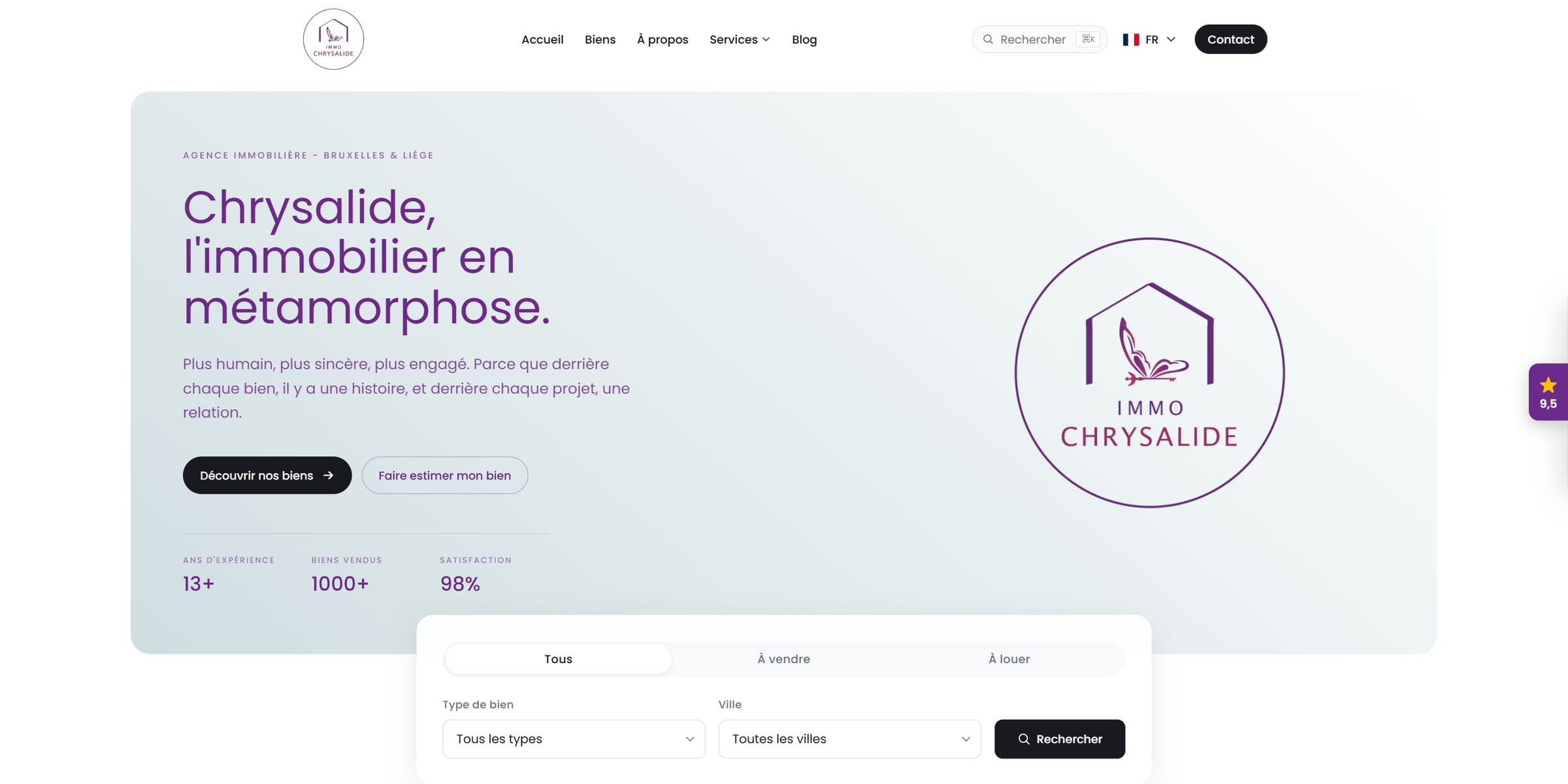
That's what we did for Immo Chrysalide, a real estate agency in Brussels and Liège: in June 2026, its new site replaced the old WordPress one, and the old links now lead to the new pages.
Wondering whether this applies to your site? Send us its address: we'll take a look and tell you honestly whether a migration is worth it. When WordPress is still the right answer, we'll tell you that too.